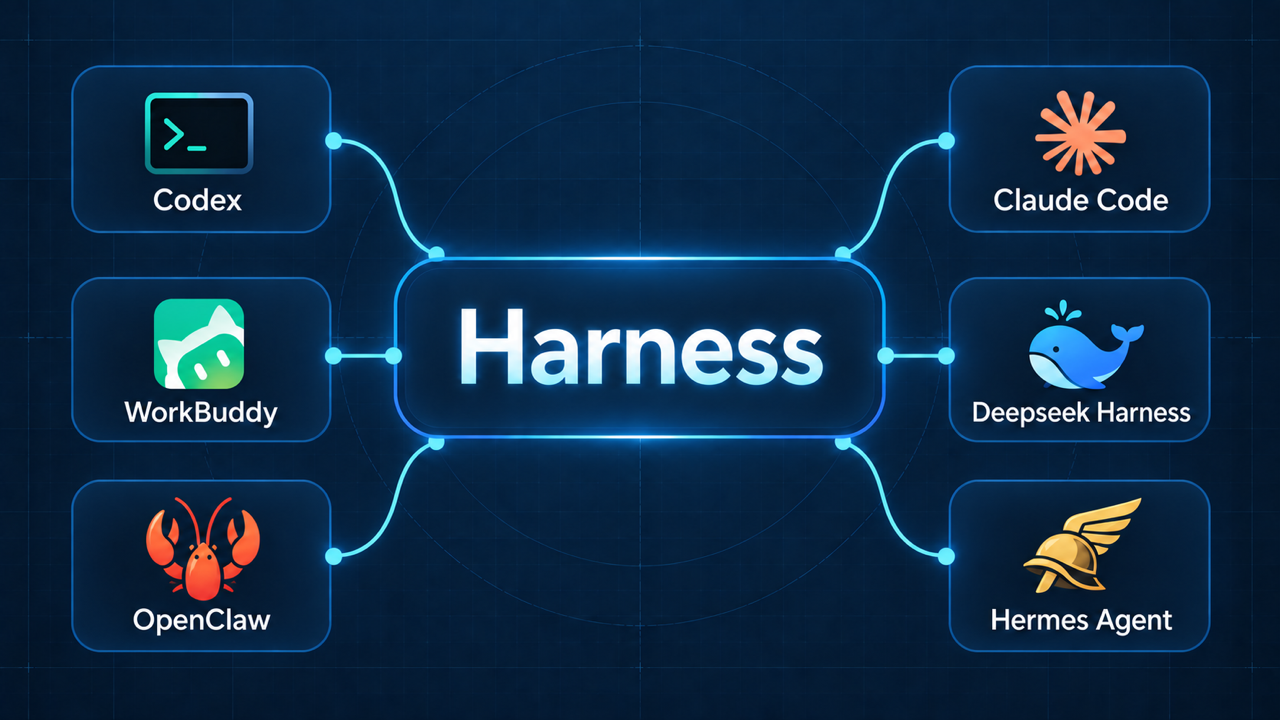
An agent harness is the software around an LLM that runs the execution loop, executes tool calls, and manages the context and state needed to continue a task. The model decides what to do next; the harness coordinates how that decision is carried out.
To understand why these pieces are needed, I find it helpful to start with a simple example: an AI assistant planning a work trip.
Stage 1: Only LLM
Suppose I ask an LLM:
Please help me schedule a two-day work trip to Shanghai next week.
It might respond with suggestions:
Advice:
Depart next Monday morning
Return next Tuesday evening
Stay in Jingan District
Book the ticket in advance
...
At this stage, the interaction is straightforward:
The model can help me plan the trip, but without access to tools, it cannot check live flight availability or book a hotel.
Stage 2: Adding tool calling
The next step is to give the model access to tools for searching and booking flights and hotels:
search_flights()
search_hotels()
book_flight()
book_hotel()
The model can now request a tool call, such as search_flights(). But producing a tool call does not execute the function. We still need a program to run it and return the result to the model.
In simplified pseudocode:
response = llm(messages, tools=tools)
messages.append(response)

if response.tool_call:
    result = execute(response.tool_call)
    messages.append(result)
    response = llm(messages, tools=tools)
    messages.append(response)
For simplicity, execute() is assumed to return a formatted tool-result message.
This is a minimal harness: it connects the model’s requested action to actual execution and feeds the result back into the conversation.
But one tool call may not be enough. Planning a trip could involve checking my calendar, searching for flights and hotels, and comparing the options. How do we keep this process moving across multiple steps? This is where the agent loop comes in.
Stage 3: Agent Loop
We can extend the one-step tool exchange into a loop. After each tool result, the model decides whether to take another action or return a final response.
In simplified pseudocode, assuming one tool call per turn:
for step in range(max_steps):
    response = llm(messages, tools=tools)
    messages.append(response)

    if not response.tool_call:
        break

    result = execute(response.tool_call)
    messages.append(result)
else:
    raise RuntimeError("Agent reached the step limit.")
The loop keeps the task moving without requiring me to manually pass each result back to the model. A step limit prevents it from running indefinitely.
This gives us a basic agent: a model that chooses actions, tools that execute them, and a harness that coordinates the loop.
The harness does not guarantee that the task will succeed. It provides the mechanism for continuing the process. A practical implementation also needs to handle tool failures, timeouts, and requests for user input.
Harness evolution: Context Management
As the agent works through the task, the conversation history grows. Each model response and tool result adds more information:
messages:
user: Plan a work trip to Shanghai.
assistant: Request flight search.
tool: Return available flights.
assistant: Request hotel search.
tool: Return available hotels.
...
Passing the entire history to the model on every turn can become costly and eventually exceed its context window. Some details may also become irrelevant as the task progresses.
The harness therefore needs to manage what the model sees. It can select relevant information, shorten large tool results, and summarize older parts of the conversation while preserving important decisions and constraints.
For the travel assistant, this might mean keeping the selected flight, hotel, and budget in context while leaving the full list of rejected options in external storage.
I explored this topic in more detail in What I Learned About Context Engineering for AI Agents.
The harness now does more than keep the loop running: it also prepares the context for each model call.
Harness evolution: Permissions
The assistant can now search for flights and hotels. But booking them introduces a new question: which actions has the user authorized?
In this example, searches can run automatically, while bookings and payments require approval unless the user has already authorized them:
search flights -> ✅Allowed
search hotels -> ✅Allowed
Book a flight -> 🚫Requires approval
pay for a hotel -> 🚫Requires approval
...
The model may request any of these actions, but the harness checks permissions before executing the tool. It can allow the action, pause to ask the user, or reject the request.
For example, the assistant might find a suitable flight and present its details and price. The harness waits for approval before allowing the booking tool to run.
This adds a boundary between what the model proposes and what the system is authorized to do.
Harness evolution: Persistence and Scheduling
Once the flight and hotel are booked, I might ask:
Please help me monitor my flight and notify me if it is canceled or delayed.
The task now extends beyond the current conversation. The agent needs to resume later and remember what it was doing.
To support this, the harness persists the session, including the conversation history, tool results, and relevant task state. For this travel assistant, the saved information might include:
Flight: MU5087
Departure: Monday, 09:30
Task: Notify the user of delays or cancellations.
Last known status: On time
Last notification: None
But saving the session does not make the agent run again. A scheduler must trigger periodic checks, or an external service must send an event when the flight status changes.
When triggered, the harness loads the session and resumes the agent loop:
Keeping the latest status and notification history in the session helps the agent avoid sending the same update repeatedly.
The agent does not need to run continuously between checks. The persisted session preserves continuity, while the scheduler or external event determines when the task resumes.
Harness evolution: Sandbox
After the trip, I ask the assistant to prepare a travel expense report using my company’s template.
The assistant might use shell commands or Python scripts to complete the task:
These tools can modify files and run programs. If a command is incorrect, it could overwrite important documents or delete files outside the intended working area.
A separate working directory helps organize the task, but it does not prevent access to the rest of the computer. A sandbox enforces restrictions on what the tools can access and modify.
Permissions and sandboxing serve different purposes. Permissions determine whether an action is authorized; the sandbox limits the resources available when that action runs.
The harness uses this restricted environment to execute tools, reducing the impact of mistakes. Temporary files can be cleaned up afterward, while the finished report is retained.
Beyond the core
The travel assistant example helped me understand the core responsibilities of an agent harness: running the agent loop, executing tools, managing context, enforcing permissions, persisting sessions, and providing a sandbox for execution. Scheduling or external events allow the task to resume when needed.
This is a starting point, rather than a complete inventory of everything a harness might support. There are several other topics worth exploring:
- Error handling and recovery: Handling tool failures, retrying temporary errors, and checking whether an action succeeded before repeating it.
- Tool management: Controlling which tools are available and validating their inputs before execution.
- Long-term memory: Retaining useful information across sessions, such as the user's travel preferences.
- Orchestration, concurrency, and subagents: Coordinating dependent tasks, running independent work in parallel, and delegating subtasks to specialized agents when useful.
These capabilities do not all need to be separate components, and not every task needs all of them. My main takeaway is to start with a simple execution loop and add supporting capabilities as the task demands them. The harness is what coordinates those capabilities around the model.